

Security and governance
Control you can see.
Access, history and approvals are part of the product, so you can show exactly how your projects are governed.
- Owner
Dana Whitfield
dana.whitfield@company.com
- Editor
Marcus Reyes
marcus.reyes@company.com
- Editor
Priya Raman
priya.raman@company.com
- Viewer
Grace Okonjo
grace.okonjo@company.com
Priya changed % Complete on Billing reconciliation QA
09:16Dana approved a risk proposed by Risk and RAID
09:21Marcus wrote 2 cells through an MCP token (edit scope)
09:34Dana shared ERP Transformation with Grace Okonjo as Viewer
09:40
Access
Four layers, each one visible.
Organisation roles
Roles built from permission keys, managed by a separate access service.
Item access
Owner, editor or viewer on each workspace, sheet, dashboard, report and resource manager.
Administrator override
A permission for administrators, kept apart from everyday roles.
Organisation boundary
Access across organisations is denied.
History
A record of every change.
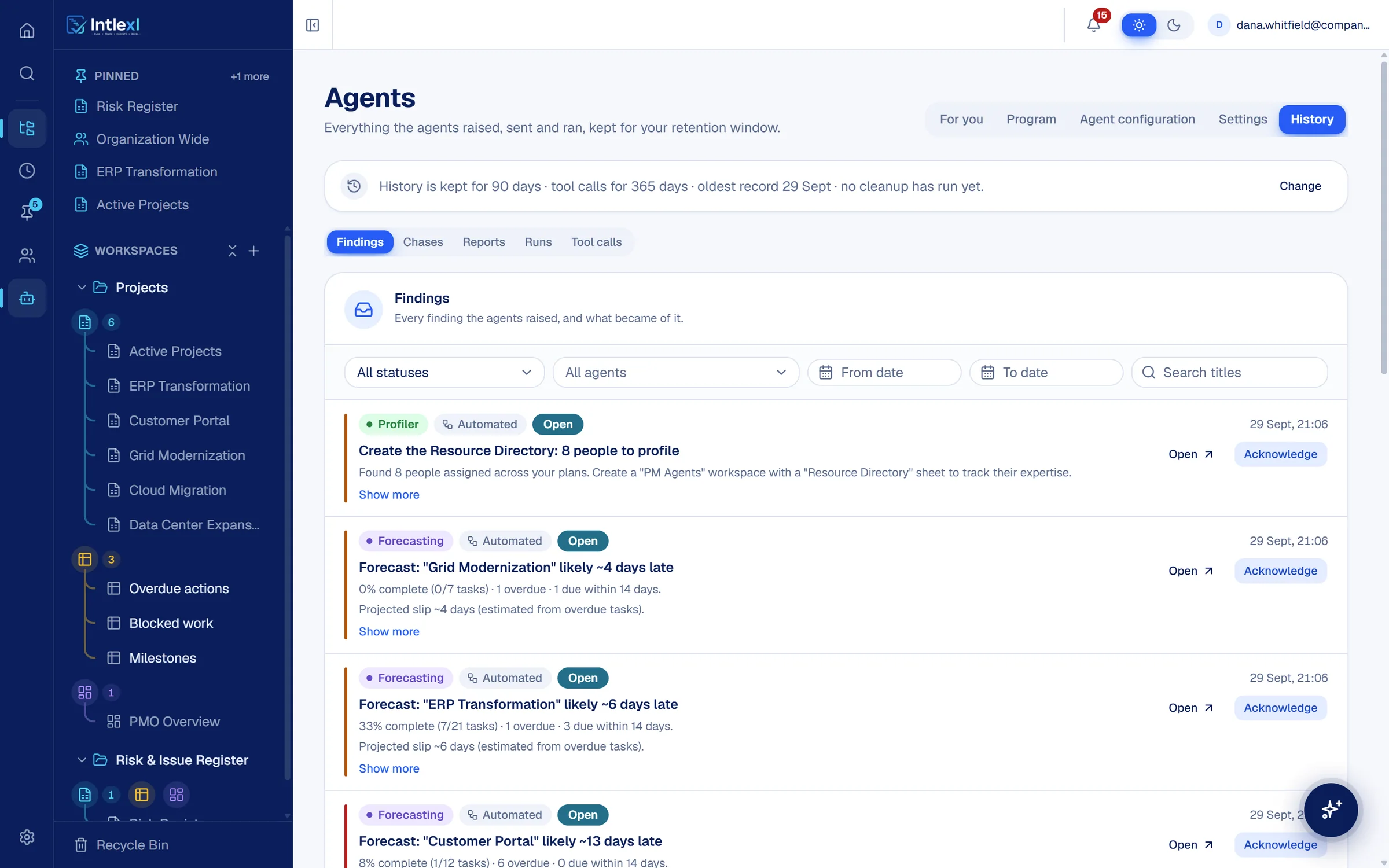
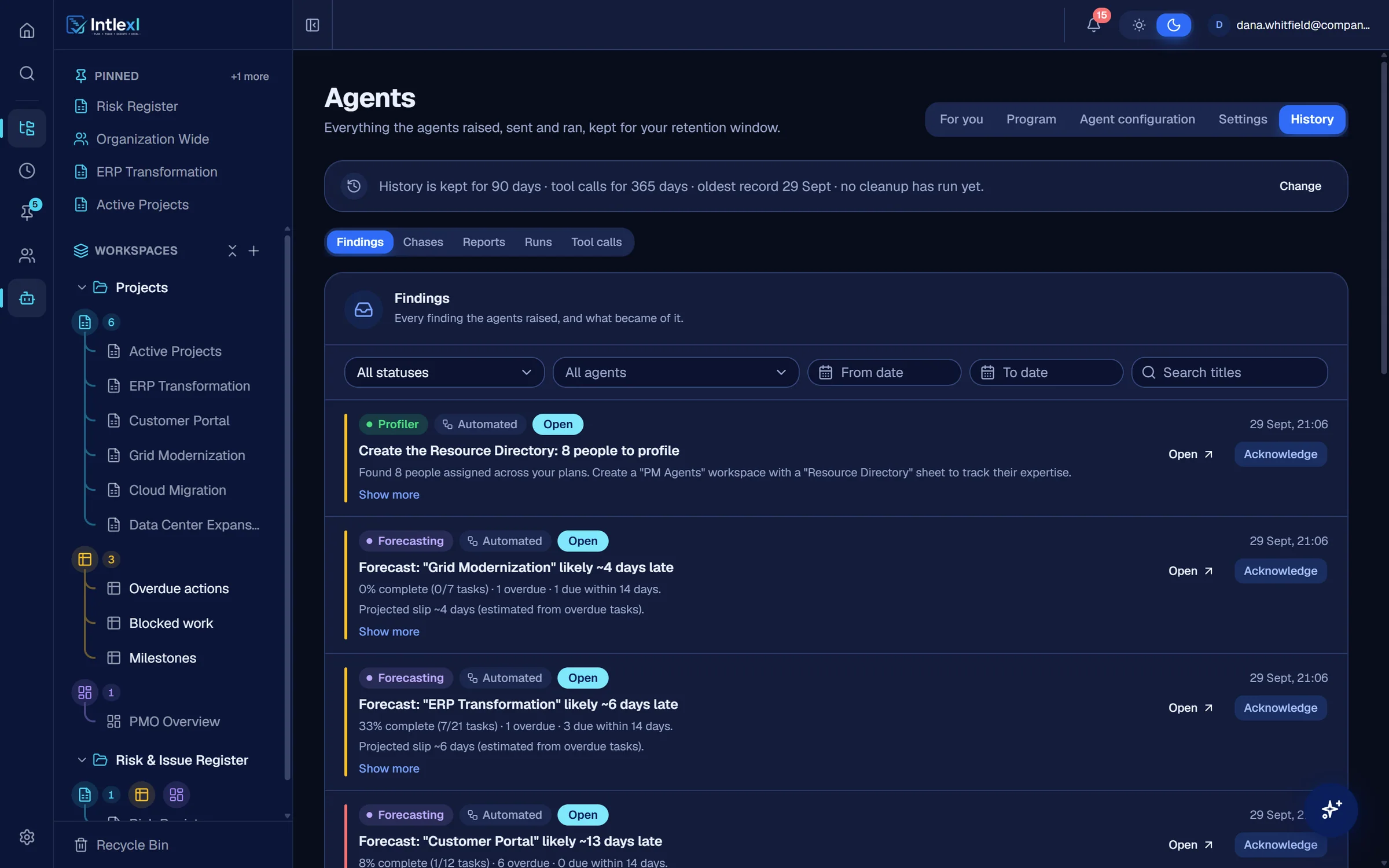
Who edited a cell, restructured a sheet or wrote through an MCP token is on the record. Agents keep their own history of runs, findings and tool calls.
Activity log
Filter by person, item and action.
Row history
See how a single task changed over time.
Agent history
Findings, chases, reports, runs and tool calls, with retention you set.
AI under control
You set how far each agent may go.
Every agent runs at a tier you choose, and every output says whether a rule or a model wrote it.
Observe, Propose, Act
Per agent, per organisation. Act is off unless an administrator enables it.
AI and Automated marks
Counts and dates are always automated. Wording written by a model is labelled.
Approval before structure
The assistant asks before it creates, deletes or restructures.
Forecast: Customer Portal is likely about 13 days late. Counts and dates come from your data.
Priya, three tasks on Customer Portal are overdue. Could you update them today?
Delete the sheet Risk Register? This needs your approval.
Tokens
Tokens you scope, revoke and audit.
MCP clients connect with a personal token. Choose its scope, revoke it, refresh it, and see what it did.
Bearer tokens for MCP clients such as Claude Desktop, Claude Code and Cursor. Each token carries the permissions you had when it was minted.
q7Lm••••••••••••••••••••••••Zx3aCopy- Claude Desktop · Danareadedit12 Sep 202630 Sep 2026Active
- Friday report scriptread2 Sep 202626 Sep 2026Active
- Workspace setup (admin)readeditstructuraladmin18 Aug 202620 Aug 2026Revoked
Every call is written to the MCP audit log. Refresh a token after a role change; revoke it at any time.
FAQ
Questions people ask.
Bring one plan. See it run.
In 30 minutes we set up a workspace like yours and show sheets, Gantt, dashboards, capacity and a PM agent at work.