

Resource management
See who is over-allocated before the month starts.
Point a resource manager at your plans and it reads owners and dates to work out weekly load for everyone.
Tomas Bauer · week of 12 Oct
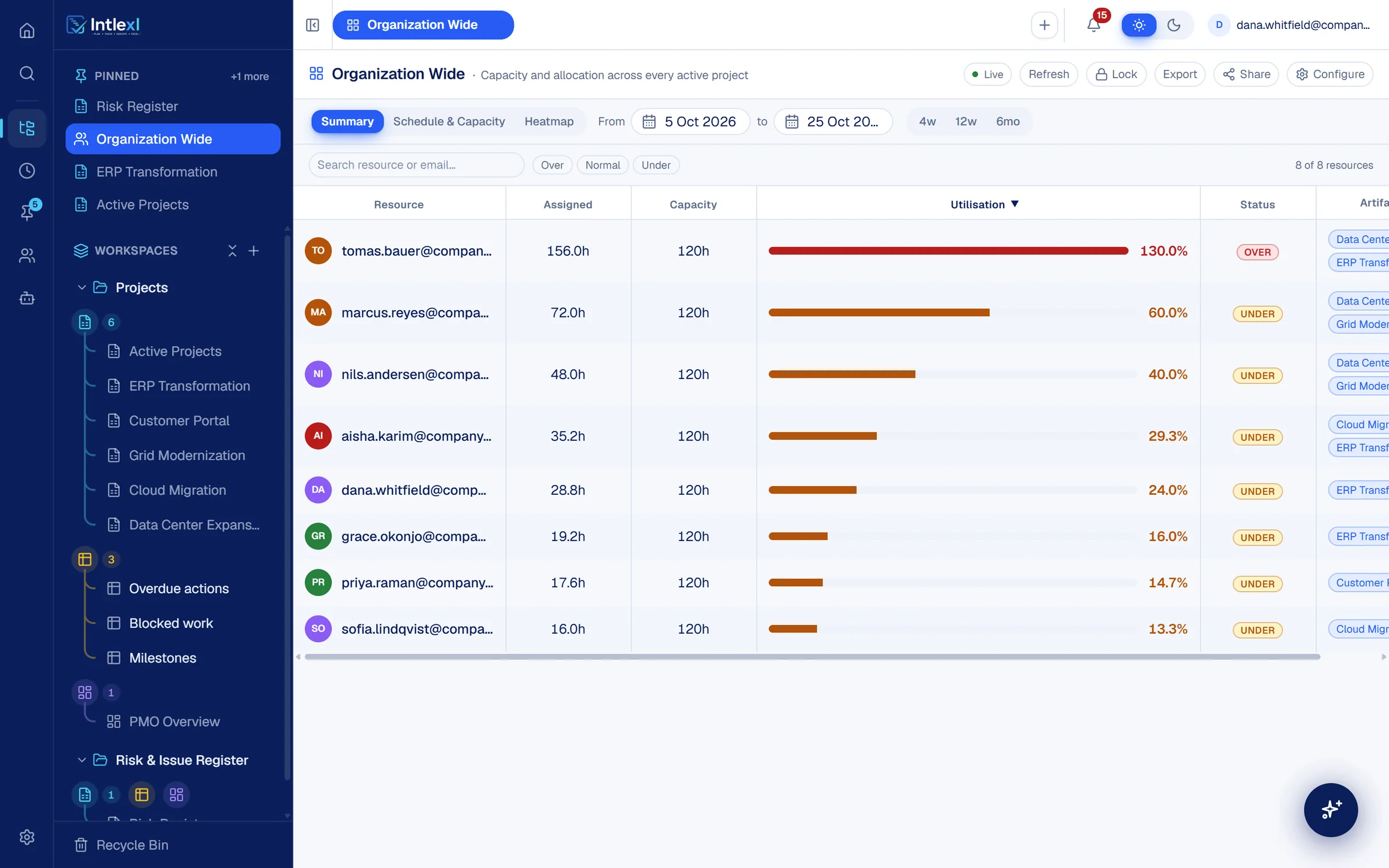
130% of 40 hours, 5 to 23 Oct
- Go-live readiness and defect fixing · ERP Transformation90%
- Network fabric design · Data Center Expansion40%
- Views
- 3
- Summary, Schedule and Capacity, Heatmap
- Status bands
- 3
- Over, normal, under
- Dashboard widgets
- 5
How it works
From the plans you have to the load you need.
- 1
Choose the scope
Pick the workspaces whose plans count towards capacity.
- 2
Add source sheets
Add the sheets that hold tasks with owners and dates.
- 3
Map four columns
Owner, task, start and end. The mapping is checked for type compatibility.
- 4
Read the load
Utilisation appears per person and per week, and updates as the plans change.
Summary
Every person, one row, one number.
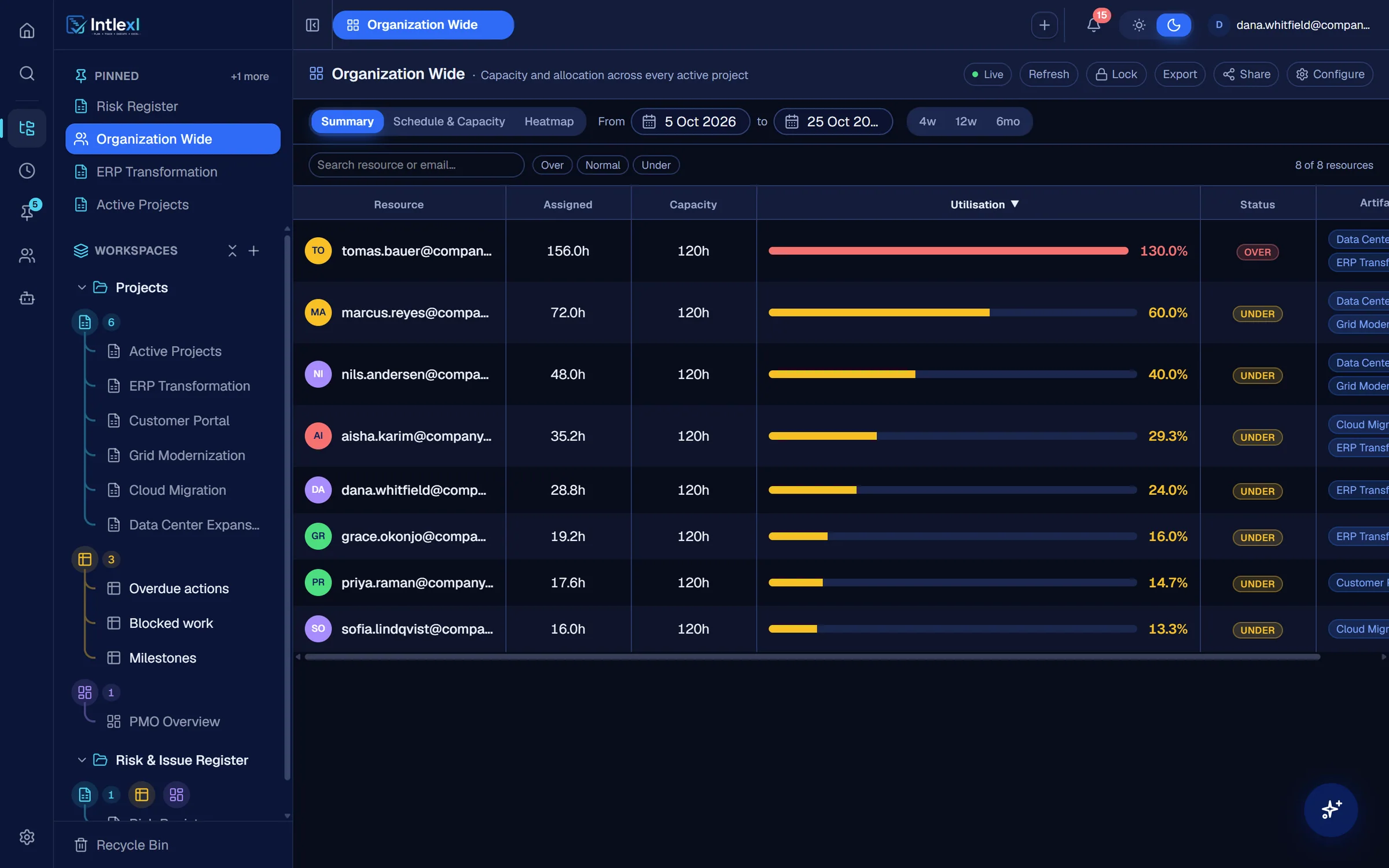
Assigned hours against capacity, a utilisation bar, and a status of over, normal or under, with the sheets each person appears in.
Search and filter
Find a person by name or email, or filter to over, normal or under.
Choose the window
Four weeks, twelve weeks or six months, or set exact dates.
Schedule and capacity
A person's tasks, beside their load.
See what someone is doing week by week, so a request to add more work starts from what is already on their plate.
Tomas Bauer
40 hours a week · 2 plans
Around the manager
Built to be shared, checked and reused.
Streams
Group people into disciplines and see them together.
Lock a snapshot
Freeze the numbers for a review and unlock when done.
Share and export
Share with owner, editor or viewer access, and export.
Skills directory
The Resource Profiler infers expertise from the work people are assigned.
FAQ
Questions people ask.
Bring one plan. See it run.
In 30 minutes we set up a workspace like yours and show sheets, Gantt, dashboards, capacity and a PM agent at work.